Business Video Phones: The Hybrid Office Upgrade
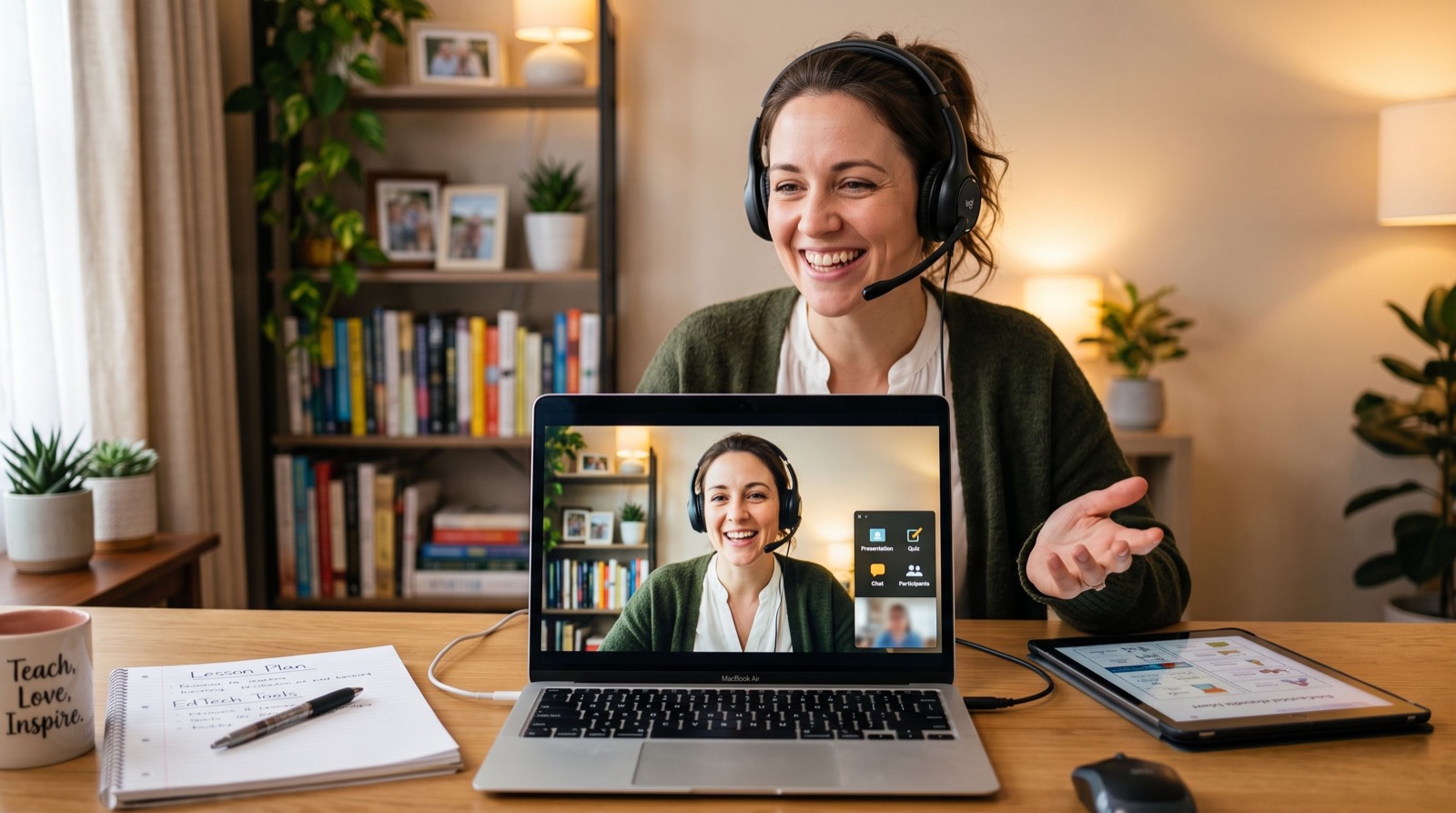
Hybrid work reshaped what a desk phone needs to do. In 2026, leaders join a quick video standup, dial a supplier, and hop into a boardroom review all from one device. That reality has pushed premium video phones from luxury to genuine productivity tools.
This guide focuses on the top end of the desk phone market: color displays, built-in cameras, and smart collaboration features. If your executives and meeting rooms still rely on speakerphones and screen-sharing dongles, there is a cleaner way to work.
Why Premium IP Phones Matter for Decision Makers
Executives value their time above almost everything, so friction is the enemy. A phone that starts a video call with one tap, pairs a Bluetooth headset instantly, and shows a clean directory saves seconds that add up across a busy week.
Presence also matters. When a manager appears on a crisp video call rather than a muffled speakerphone, the whole conversation feels more deliberate and professional. Good hardware quietly signals that a business takes communication seriously.
The Prime Business Phone for Daily Leadership
Not every leader needs a full video screen, but they do need comfort and reliability all day. The Fanvil V61G Prime Business Phone targets exactly this user with a sharp color display, dual-band Wi-Fi, Bluetooth, and integrated support for a wireless headset, ideal for a manager who moves around the office while staying on calls.
In my experience fitting out executive floors, the wireless headset support is the feature people thank you for most. Freedom to stand, stretch, and pace during a long negotiation genuinely improves focus.
Video-First Desks: When to Step Up to a Flagship
Some roles live in meetings. Sales leaders, project managers, and anyone running client reviews benefit from a device built around video from the ground up. That is where the flagship tier earns its keep.
The Fanvil V67 Flagship Smart Video Phone combines a large touchscreen, a high-quality camera, and Android-based smart features, turning a desk into a personal collaboration station. It suits executives and huddle spaces that need reliable face-to-face calls without booting up a laptop.
What Should a Video Phone Include in 2026?
Buyers often fixate on screen size and miss the features that matter day to day. Use this checklist to separate genuine value from spec-sheet noise.
- A camera with a privacy shutter for confident, secure calls.
- Echo cancellation and beamforming mics for clear group audio.
- Bluetooth and Wi-Fi so headsets and networks stay flexible.
- Support for common conferencing and SIP video standards.
- Auto-provisioning so IT can manage the fleet centrally.
Comparing Prime and Flagship IP Phones
The two tiers serve different people. The table below clarifies which user each one fits, so you spend on video only where it delivers.
| Attribute | Prime Business Tier | Flagship Video Tier |
|---|---|---|
| Primary use | Voice-heavy leadership | Video-first collaboration |
| Display | Color, non-touch or compact | Large touchscreen |
| Camera | Optional or none | Built-in HD camera |
| Smart apps | Limited | Android app support |
| Ideal desk | Managers, senior staff | Executives, huddle rooms |
Most organizations deploy a handful of flagship units in key rooms and prime handsets across leadership desks. That mix controls cost while covering every collaboration need.
Getting the Rollout Right
Video adds bandwidth and firewall considerations that voice alone does not. Test one department first, measure call quality, then expand. A phased rollout catches problems while they are small and cheap to fix.
For businesses without in-house telecom expertise, leaning on dependable specialists during setup avoids common pitfalls like blocked media ports and mismatched codecs. A clean first impression keeps executives on board with the change.
- Pilot with one meeting room and two leadership desks.
- Verify camera, audio, and screen-share over your real network.
- Document firewall and SIP settings before scaling out.
- Train users on the one-tap features they will actually use.
Designing Meeting Rooms Around Video Phones
A flagship video phone shines brightest in a well-planned room. Lighting, acoustics, and placement decide whether a call feels crisp or awkward. Small physical adjustments often beat expensive hardware upgrades.
Position the phone so the camera catches faces at eye level, not from below. Backlighting from a bright window turns everyone into a silhouette, so seat participants with light in front of them. These free tweaks lift perceived quality more than most people expect.
Here is a practical tip I share with every client fitting out a huddle space: keep the phone within arm’s reach of the head of the table. When the person leading the meeting controls mute, volume, and screen share directly, the call flows without anyone standing up mid-sentence to fiddle with a device across the room.
Battery, Cabling, and Reliability Details
Premium phones draw more power than basic handsets, so confirm your PoE switch delivers enough per port. A flagship touchscreen with an active camera can need a higher PoE class than an entry-level phone, and underpowering it causes random reboots.
Run quality Cat6 cabling to executive and meeting-room desks. Video traffic is less forgiving of marginal wiring than voice, and a clean cable run prevents the intermittent glitches that make leaders lose faith in new hardware.
Frequently Asked Questions
Do video IP phones replace platforms like Zoom or Teams?
They complement them. Many smart video phones can join major conferencing services while also handling standard SIP calls. You get dedicated hardware reliability alongside the software platforms your team already uses.
How much bandwidth does a video call need?
Plan for roughly 1 to 2 Mbps per HD video call in each direction. For several concurrent video desks, size your uplink accordingly and prioritize the traffic to protect quality during busy periods.
Are video phones difficult for non-technical staff to use?
Modern models are built around touchscreens and one-tap actions, so the learning curve is short. A brief walkthrough of dialing, transferring, and starting video is usually all executives need.
Can these phones use a wireless headset?
Yes. Prime and flagship Fanvil models support Bluetooth headsets, and many also work with dedicated wireless headset bases, giving users freedom to move during long calls.
Upgrading Communication for the Way Teams Work Now
Hybrid work rewards businesses that make collaboration effortless. A well-chosen premium IP phone removes the friction of joining calls, sharing screens, and hearing everyone clearly, so meetings start on time and stay productive.
Standards bodies like the ITU Telecommunication Standardization Sector maintain the audio and video codecs that keep these devices interoperable, which protects your investment across vendors. Pair prime handsets with flagship video units in 2026, and give your leaders tools that keep pace with how they actually work.